
Catalog Sync
Home
Catalog Sync


Catalog Sync
Automated Product Catalog Synchronization
Managing product information across multiple sales channels is time‑consuming and error‑prone. Catalog Sync automates the process of keeping your listings consistent across ECmarket and other platforms — ensuring customers always see accurate prices, stock levels, and descriptions.
Our solution supports bulk updates and handles complex catalogs with thousands of SKUs.
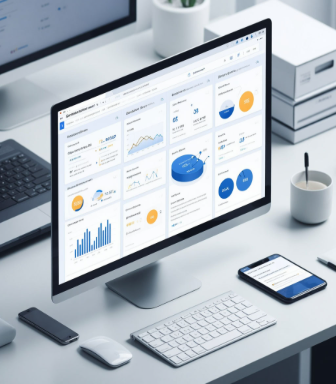
Keep prices, inventory, and product details synchronized across all connected channels. Updates propagate instantly or on schedule.
Import or export large product datasets using standard file formats. Update hundreds of listings at once with a single upload.
Connect ECmarket with other marketplaces, e‑commerce platforms, and online stores. Maintain consistent branding everywhere.
Monitor all catalog modifications with a complete history of who made changes and when. Roll back to previous versions if needed.
Results:
Eliminate listing discrepancies between sales channels.
Save hours each week on manual catalog updates.
Reduce lost sales from outdated pricing or stock information.
Scale your multi‑channel business with confidence.
 Real‑Time Sync
 - Bulk Operations
- Multi‑Channel Support
- Audit Logging
- Data Validation
- Automated Updates
Go to the website ecmarket.ru click "Sell on ECmarket", select the account type (self-employed, sole proprietor or legal entity), fill out the form, accept the terms of the user agreement, Privacy Policy and confirm Email and phone number.
For the self-employed: passport data, TIN, bank details, contact information.
For sole proprietors: TIN, PSRNIE, bank details, contact information.
For legal entities: TIN, PSRN, company details, supervisor details, contact details.
In your personal account, upload scans of documents (passport, registration certificate, extract from the Unified State Register of Legal Entities/Unified State Register of Legal Entities no older than 30 calendar days). The verification will take 1-3 business days. You will receive a confirmation notification by email.
Yes, in the "Profile Settings" section. Changes to the banking details will require repeated verification.
In your personal account, go to the "Product Catalog → Add product", fill out the card (name, description, category, characteristics), upload a photo, specify the price and balances. Click "Submit for moderation".
Share this service: